Square Face Cube Generator for bold, blocky avatars
Build cube-style square faces in minutes. Mix eyes, hair, and props, then export a crisp PNG for profiles, stickers, or paper cube builds. Everything runs in your browser with no signup.
Square Face Cube Generator Gallery
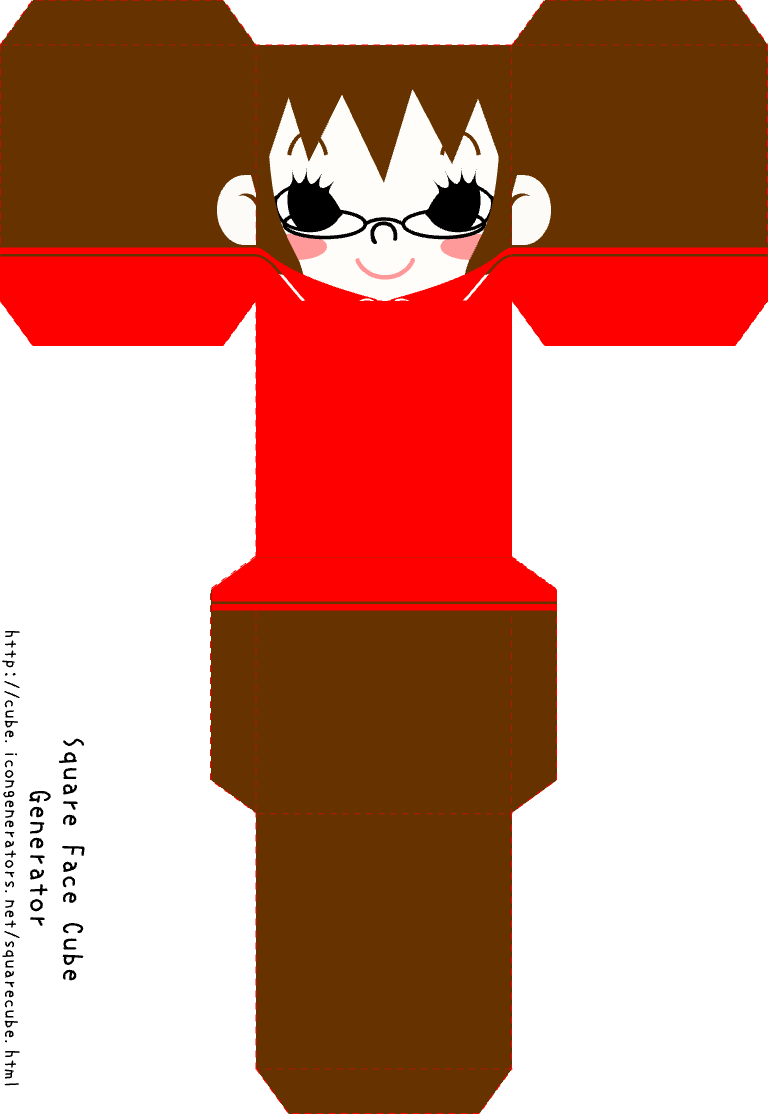
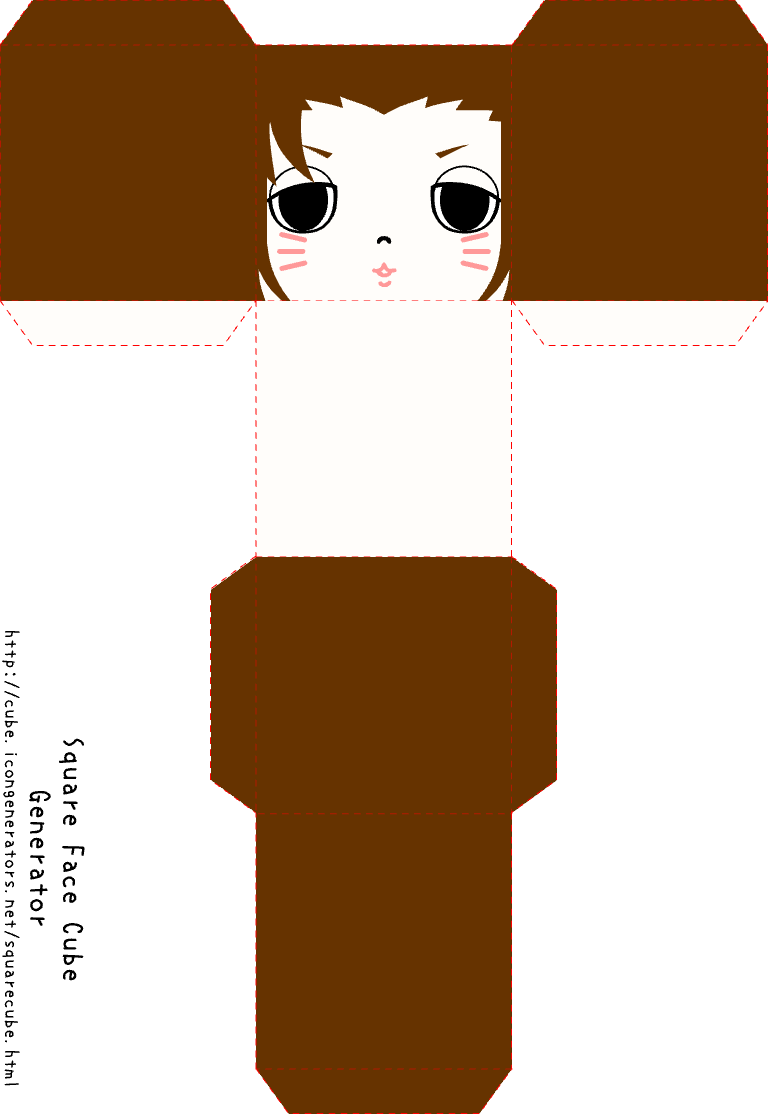
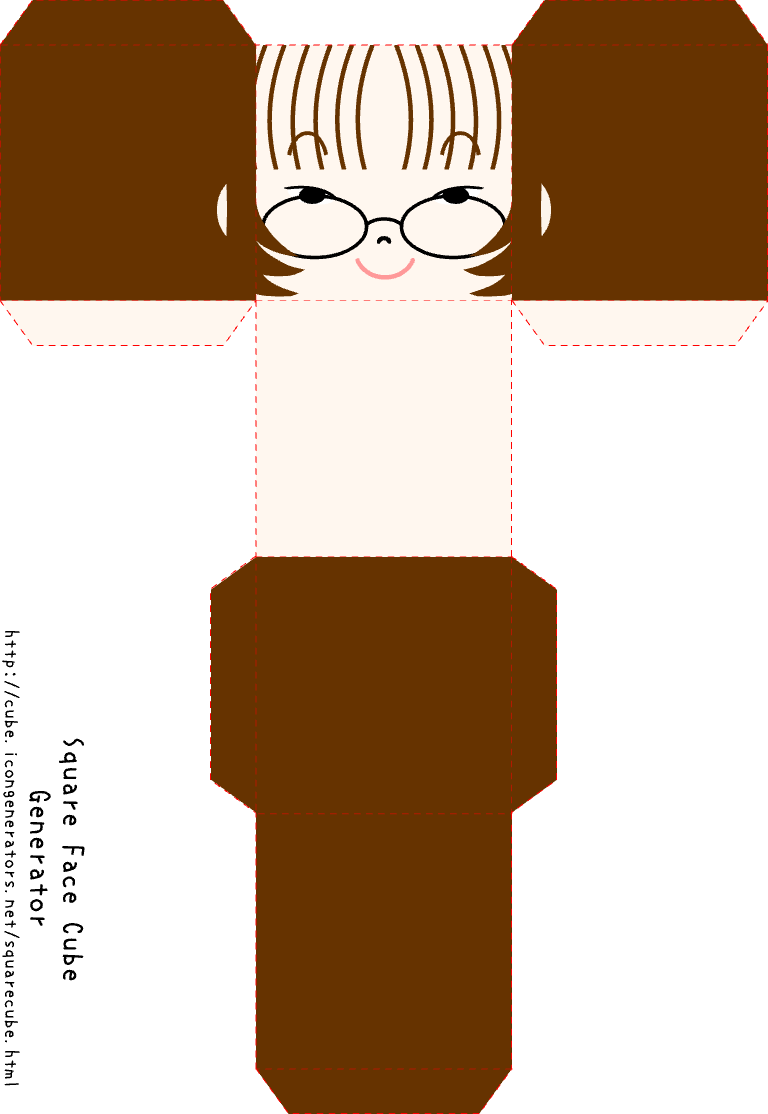
Explore cube avatars made with Square Face Cube Generator and remix the look you like. Each card comes from Square Face Cube Generator so you can see how blocky edges read in small icons.
Need a softer shape? Try the Oval Face Generator.
What Is Square Face Cube Generator? Square Face Cube Generator basics
Square Face Cube Generator is a free tool for turning square faces into cube-style avatars. Square Face Cube Generator keeps the blocky look, while letting you edit hair, eyes, and props for a clean pixel vibe. This makes it a fun option for desk props, team icons, and craft builds. Use the cube mode when you want a bold face with clear edges that read well in small icons.
Square Face Cube Generator runs in the browser and exports a sharp PNG. That means you can keep the edit fast, then print on paper or share online. The cube style also pairs well with the main Square Face Generator look, so you can keep one brand style with two shapes.
How to Use Square Face Cube Generator
Square Face Cube Generator works in short, clear steps. Square Face Cube Generator starts with a base face, then lets you layer hair, eyes, and props for a cube look. Keep the eyes centered and the edges bold so the cube stays clear at small size. Use the preview to check balance before you save. You can export a PNG for icons or print it for a paper cube.
Square Face Cube Generator setup
Begin with skin and face tone, then pick eyes and brows for mood. Square Face Cube Generator keeps each part on its own layer, so you can swap hair or hats without reset. When you like the look, hit SAVE to export. If you want a soft look, jump to the Oval Face Generator.
- Choose skin, eyes, and brows first.
- Pick hair and props for cube style.
- Set colors, then tap SAVE.
- Print or share the PNG.
Why Choose Our Square Face Cube Generator?
Square Face Cube Generator is fast, clean, and free. Square Face Cube Generator avoids long setup and keeps the editor light, so you can make a cube face in minutes. The blocky style is clear at small size, which is perfect for chat icons, game tags, or craft prints. You can also pair it with the main Square Face Generator to keep a full set of styles.
| Need | Square Face Cube Generator | Other makers |
|---|---|---|
| Cube look | Built-in blocky style | Often flat or round |
| Export | Fast PNG save | Slow or gated |
| Cost | Free to use | Paid add-ons |
Creative Uses for Square Face Cube Generator
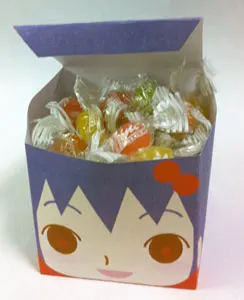
Square Face Cube Generator fits more than chat icons. Square Face Cube Generator can power desk props, party decor, or class craft builds. Print the PNG on card stock, fold it, and glue the tabs to build a mini cube face. You can also use the PNG for a game dev sprite sheet, or for a team roster image.
Desk decor
Make a small cube face to sit near your screen.
Gift tags
Add a cube face to a card or small gift box.
Class craft
Teach fold lines and shape with a fun face.
Team set
Build a full set for a club or guild.
Square Face Cube Generator Tips & Tricks
Square Face Cube Generator looks best with bold contrast. Square Face Cube Generator icons work well when the eyes sit near center and the hair frame is clear. If you plan to print, keep props simple so tabs fold clean. For small icons, use a bright accent color and avoid tiny details.
- Start with skin: A clean base aids contrast.
- Center the eyes: Cube faces read faster.
- Pick one prop: Keep the cube clean.
- Test print: Use a draft page first.
Frequently Asked Questions About Square Face Cube generator
Square Face Cube Generator is simple, yet a few notes help you get the best cube look. Square Face Cube Generator keeps the face in a clean square, so bold parts read best. If you plan to print, use thicker paper and score fold lines for clean edges. For more help, see the Square Face Generator blog.
Is Square Face Cube Generator free?
Yes. It is free and needs no sign-up.
Can I print the cube?
Yes. Save the PNG and print on card stock.
Does it work on mobile?
Yes. It runs in modern mobile browsers.
How do I save?
Use the SAVE button to export a PNG.